Edit Images with an AI Photo Editor
Use the PixMira AI Photo Editor and AI Image Editor to describe background changes, object edits, color changes, clothing changes, styles, and other generative edits.
Explore AI Photo EditorAI Photo Editor & Image Generator for every creative idea. Turn photos, prompts, and reference images into polished visuals with natural-language editing and text-to-image generation.
Model
Image (Optional)
Click to upload an image
Prompt
Aspect Ratio
Resolution
Quality
Experience the power of AI image generation
Use the PixMira AI Photo Editor to transform an existing image, the AI Image Generator to create from text, or reference images to guide subjects, composition, style, and other image-to-image workflows.
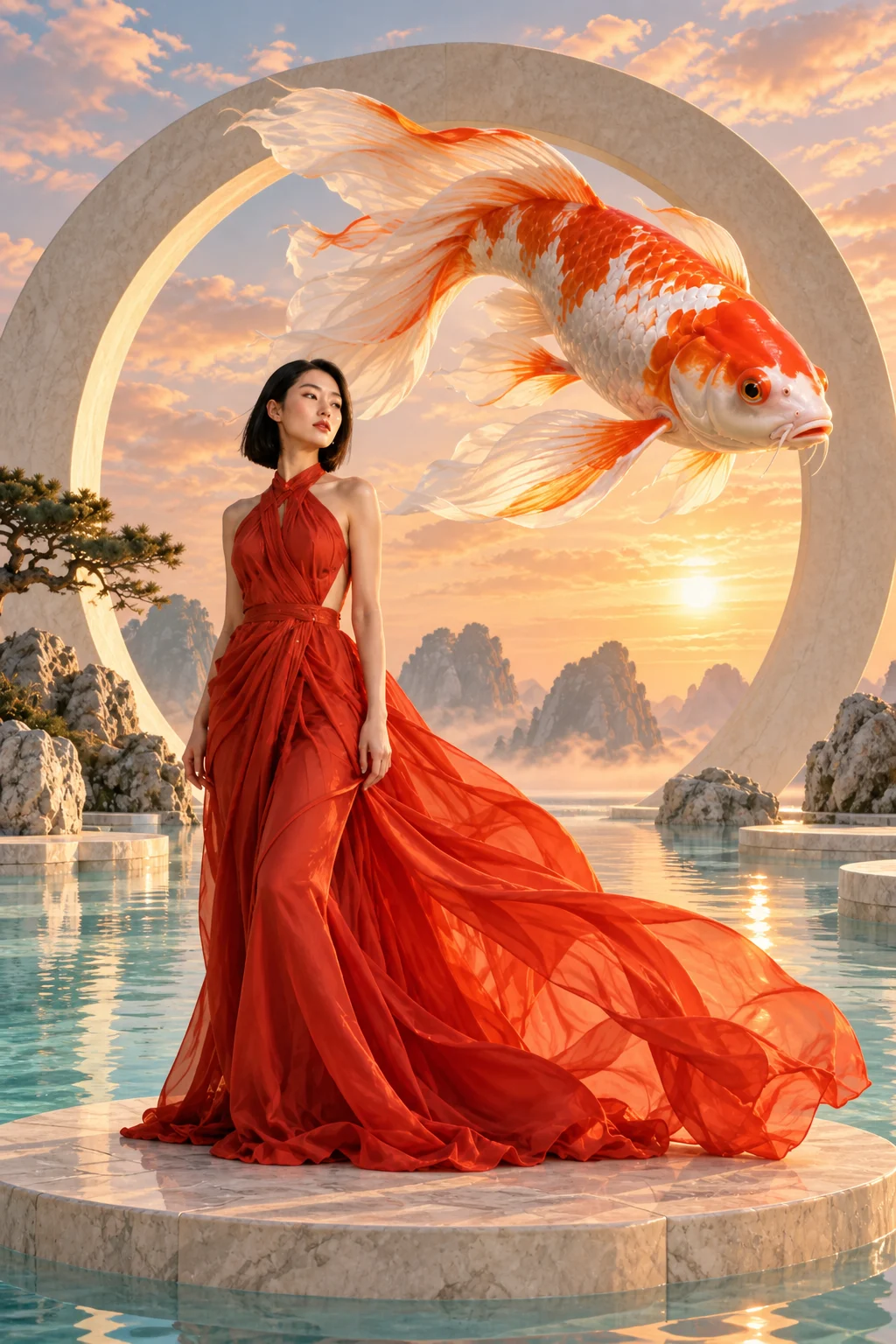
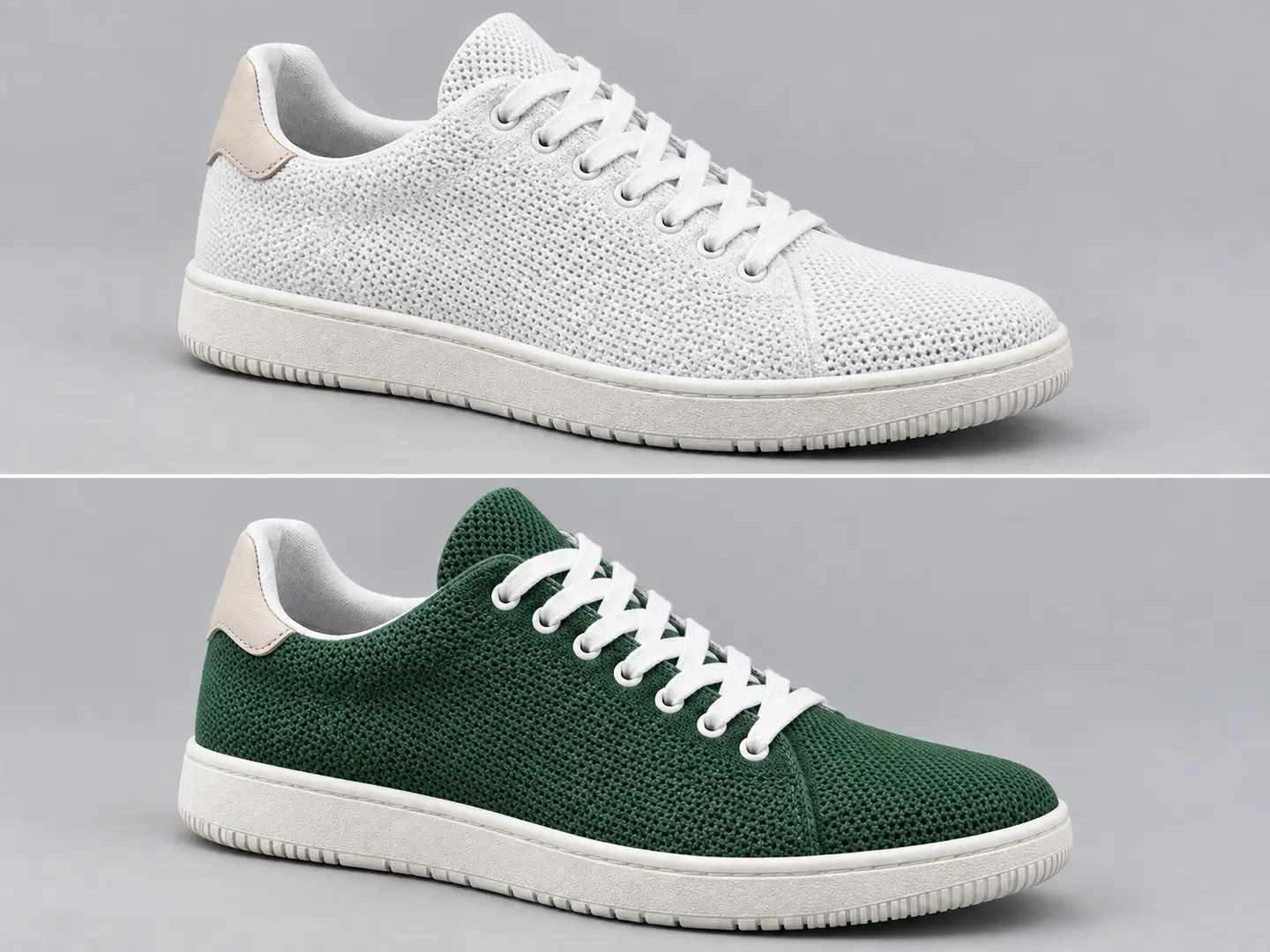
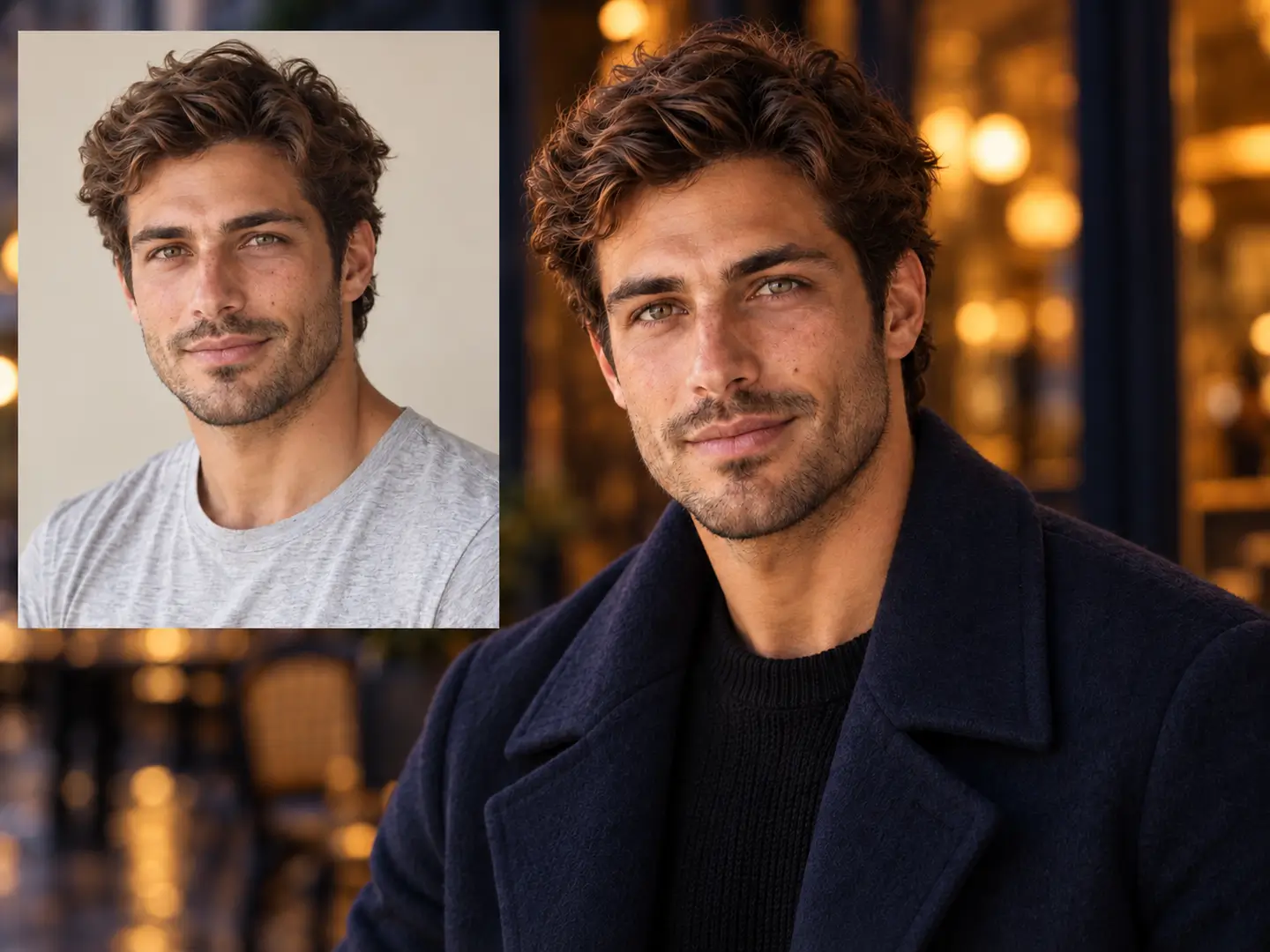
Use the PixMira AI Photo Editor and AI Image Editor to describe background changes, object edits, color changes, clothing changes, styles, and other generative edits.
Explore AI Photo EditorUse the PixMira AI Image Generator for text-to-image creation, including portraits, product visuals, illustrations, posters, and original creative scenes.
Explore AI Image GeneratorUse one or more images as visual input for image-to-image creation, subjects, clothing, composition, style, or other reference-based workflows in PixMira.
Explore Reference WorkflowsExplore real AI image generation and photo editing examples, then open the PixMira workflow behind each result.
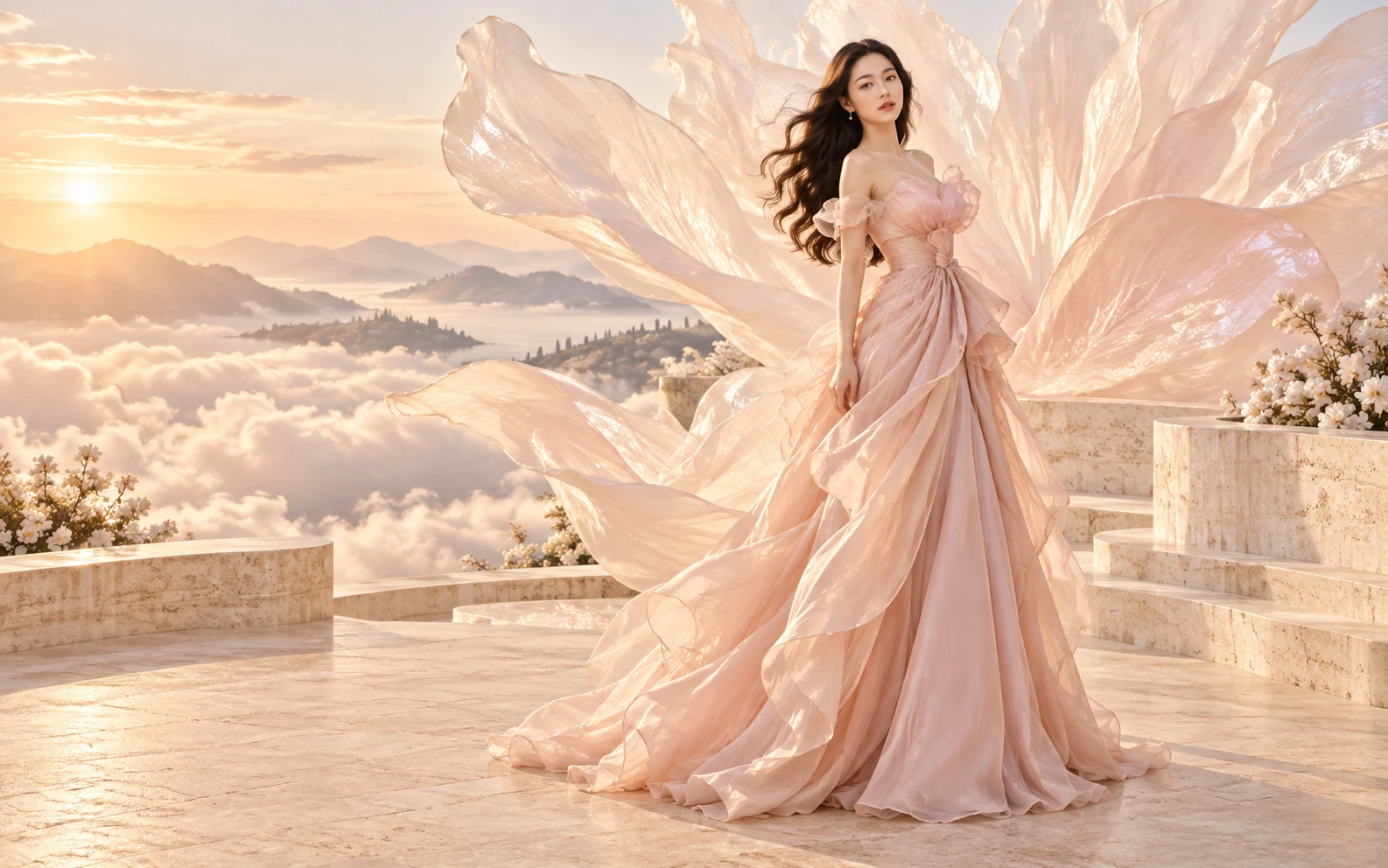 Generate
Turn a detailed creative prompt into a complete visual concept with the PixMira AI Image Generator.
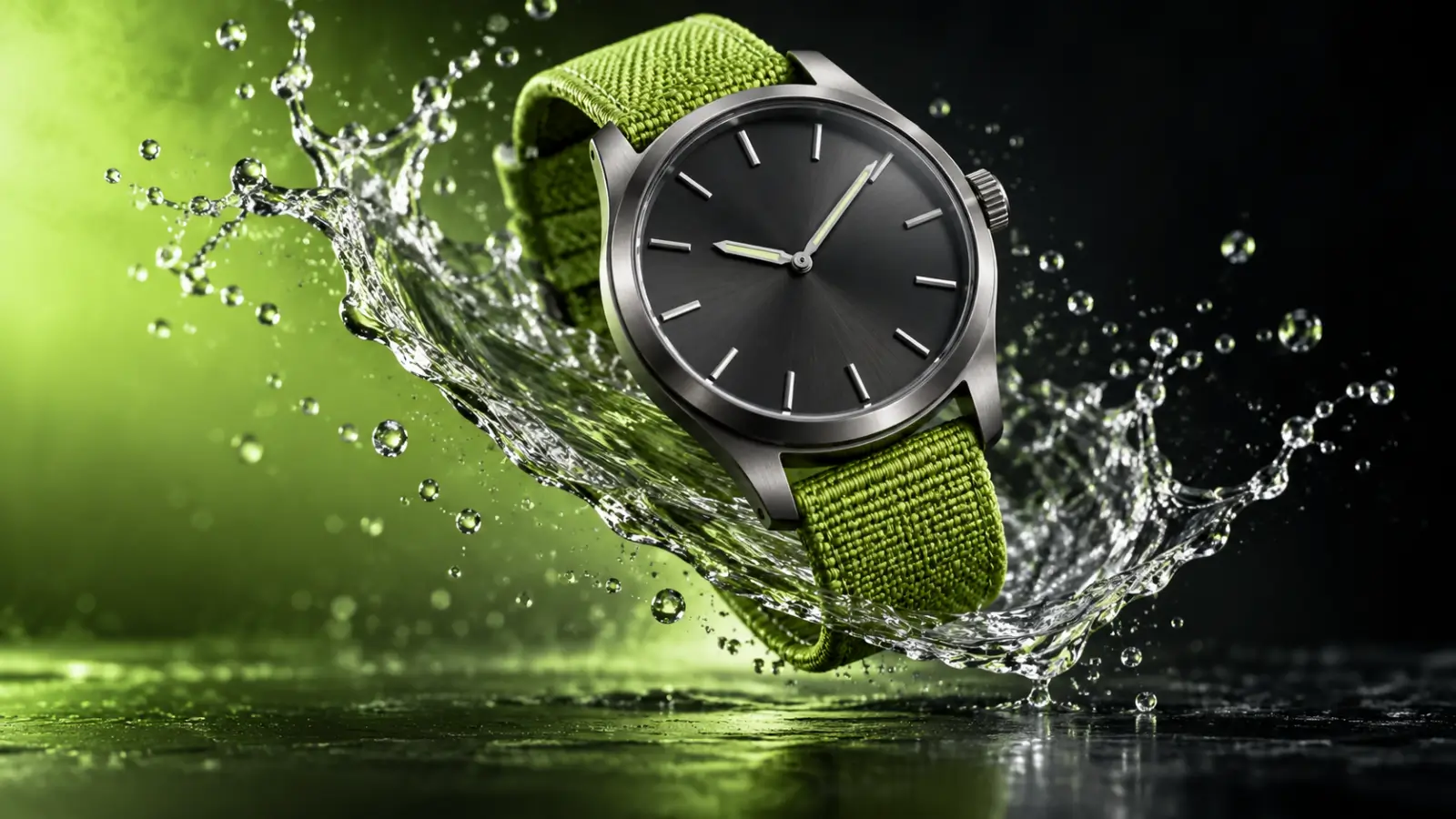 Generate
Create polished product imagery from written art direction with AI image generation.
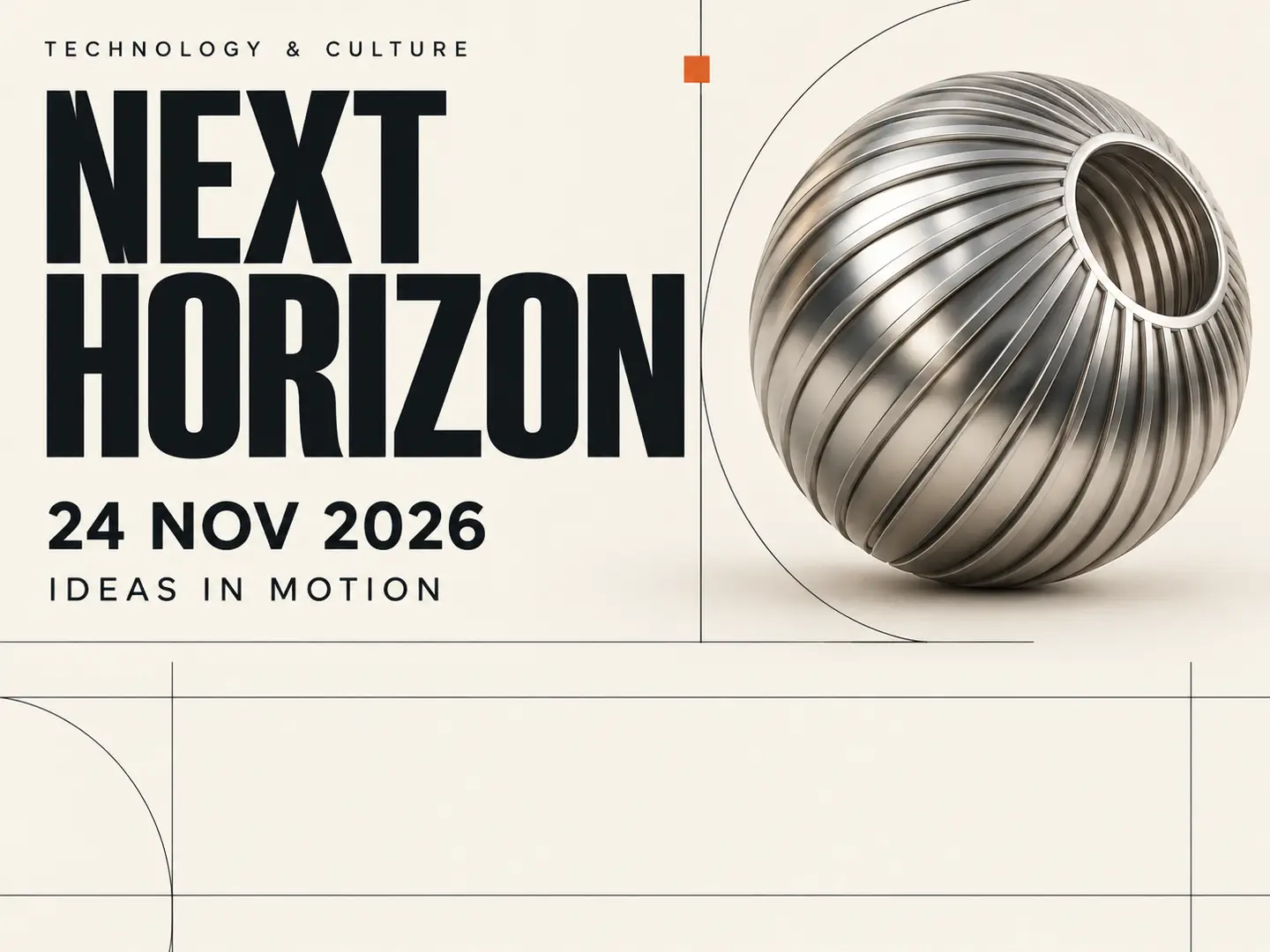 Generate
Build poster-style artwork from text prompts and visual direction.
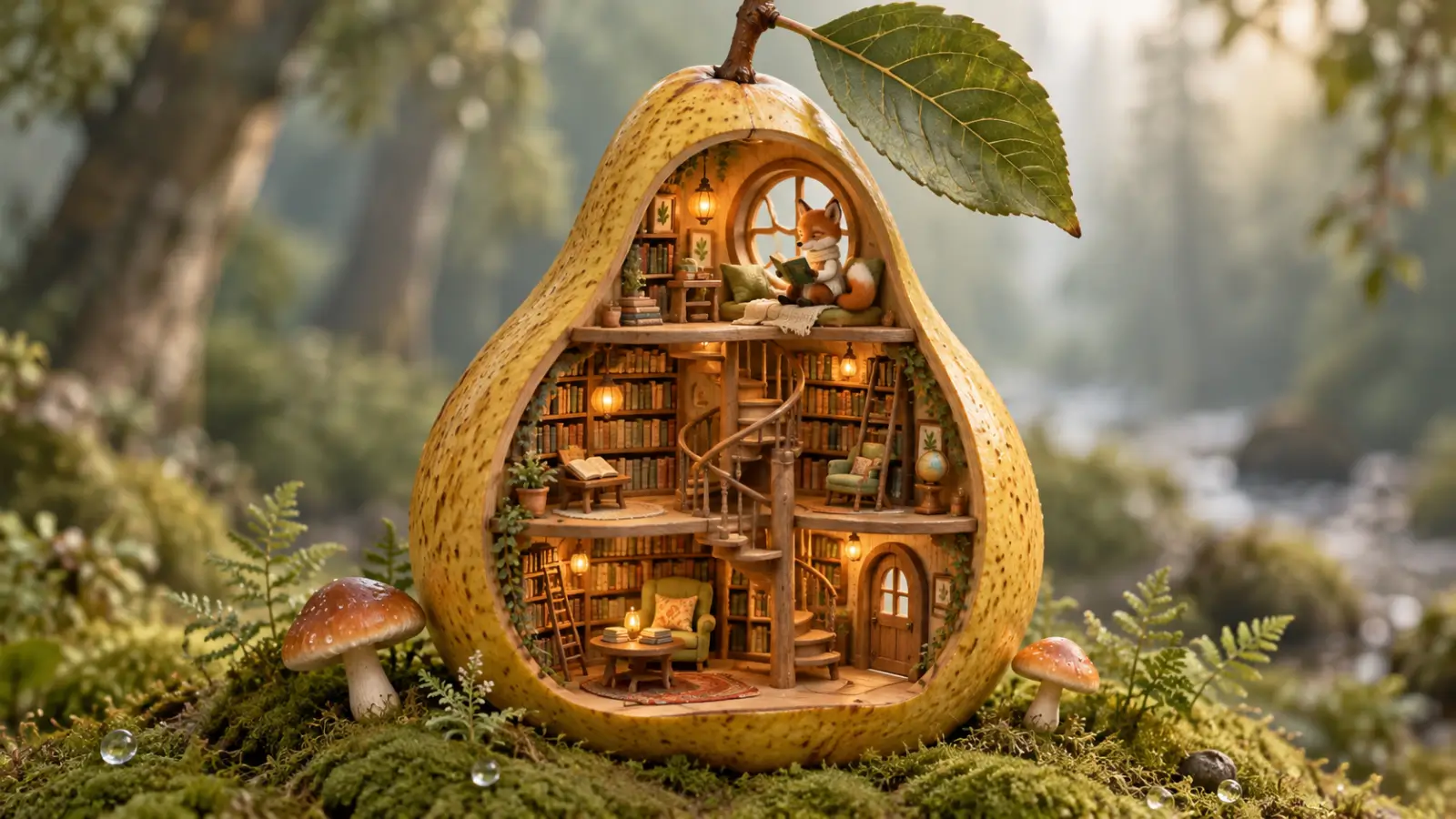 Generate
Use text-to-image generation to create a stylized scene from a descriptive prompt.
 Edit
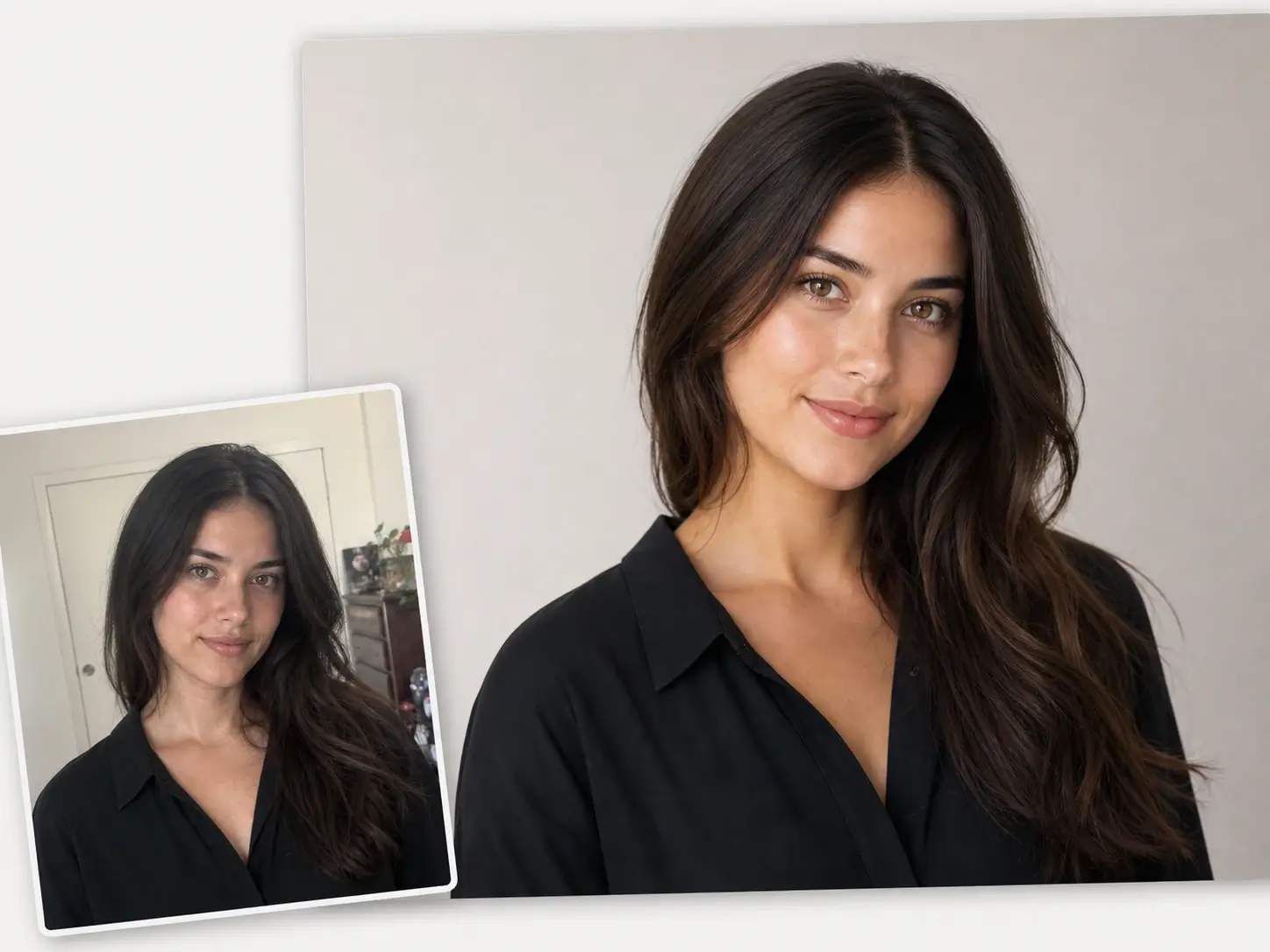
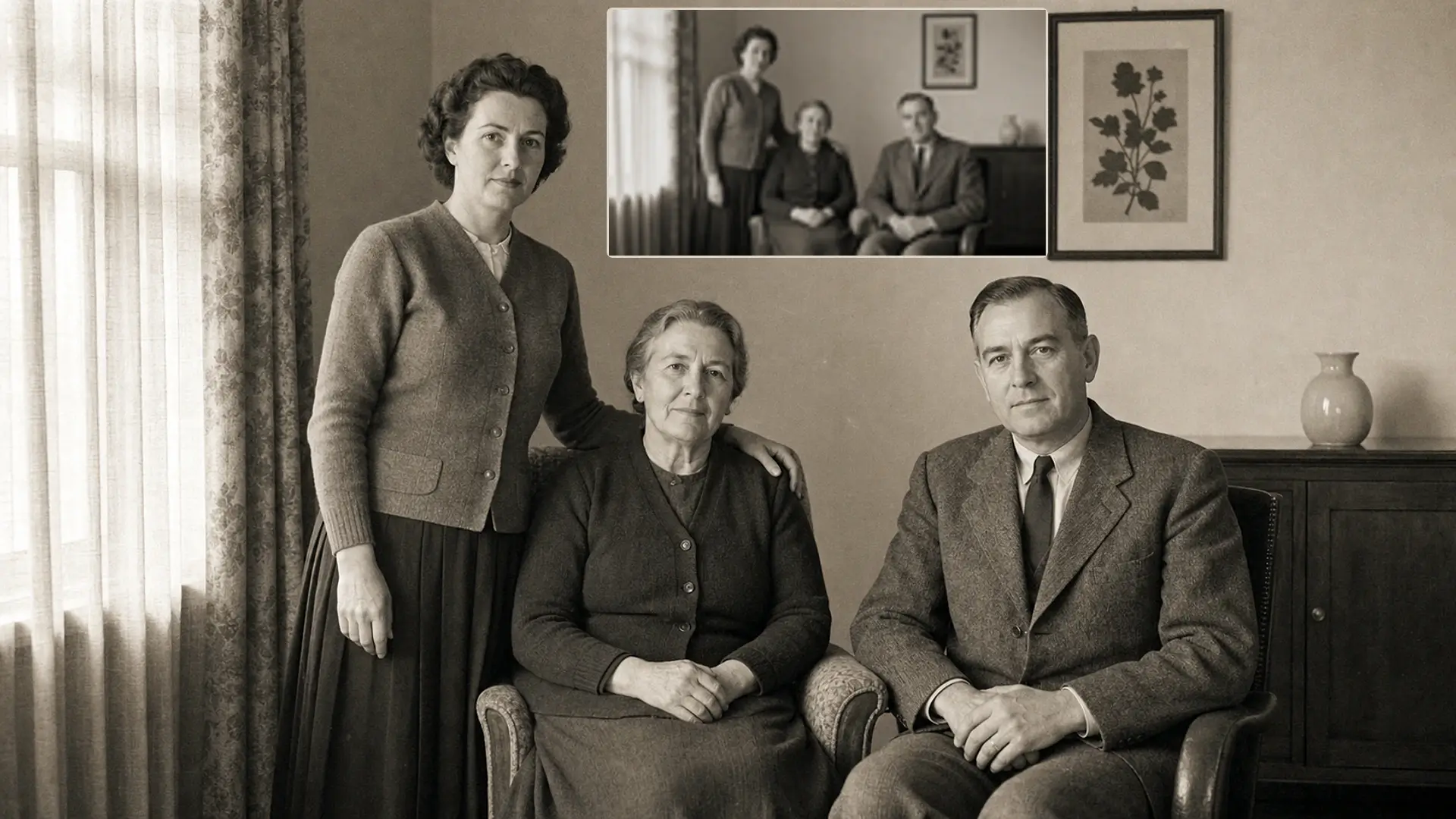
EditUse the PixMira AI Photo Editor to clean up and refine an existing portrait.
 Edit
EditUse AI photo editing to restore and refine an existing image.
When you know exactly what you want to change, jump straight into a focused PixMira tool built for the task.
 Popular
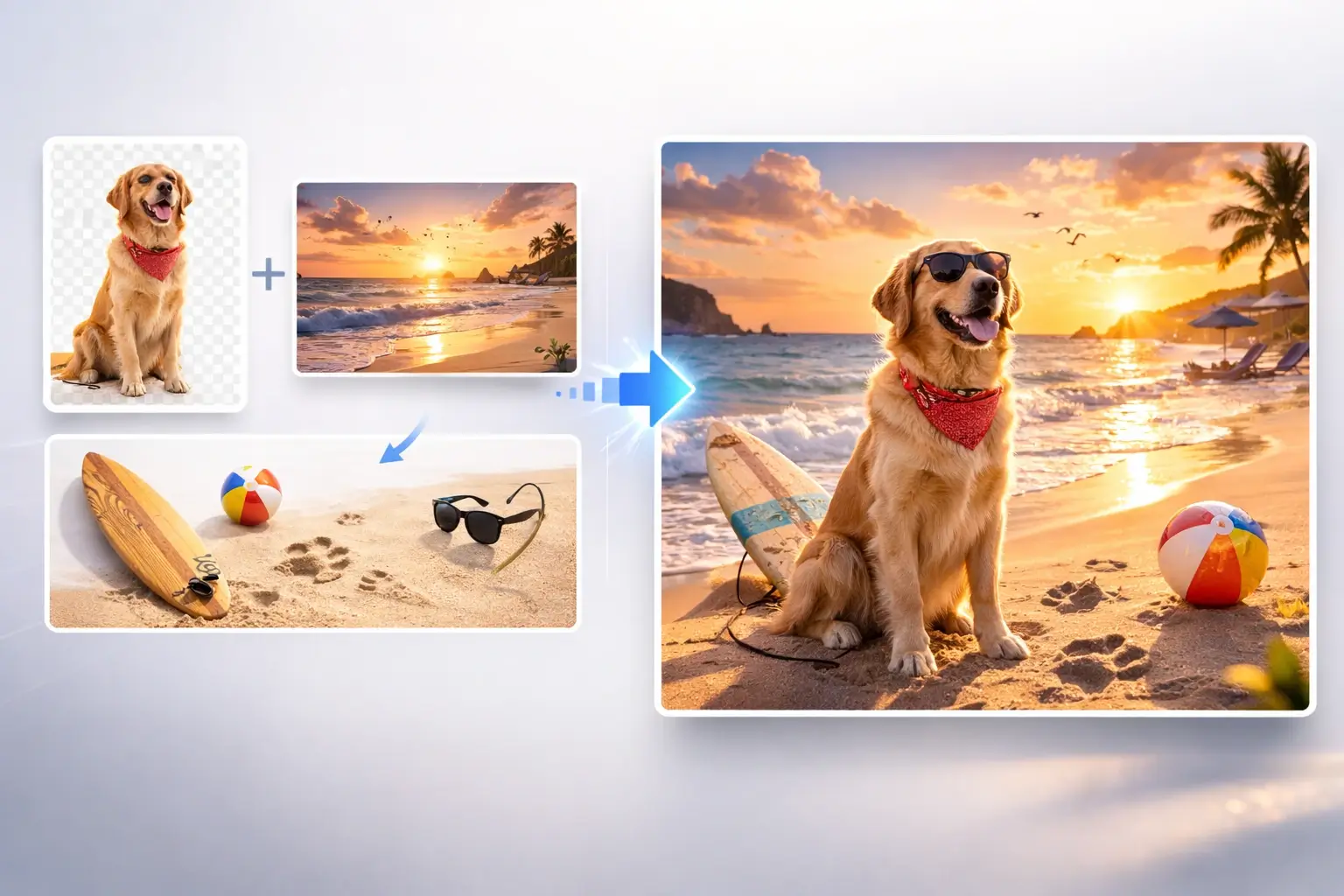
Combine subjects, products, and scenes from multiple images into a new composition.
 Popular
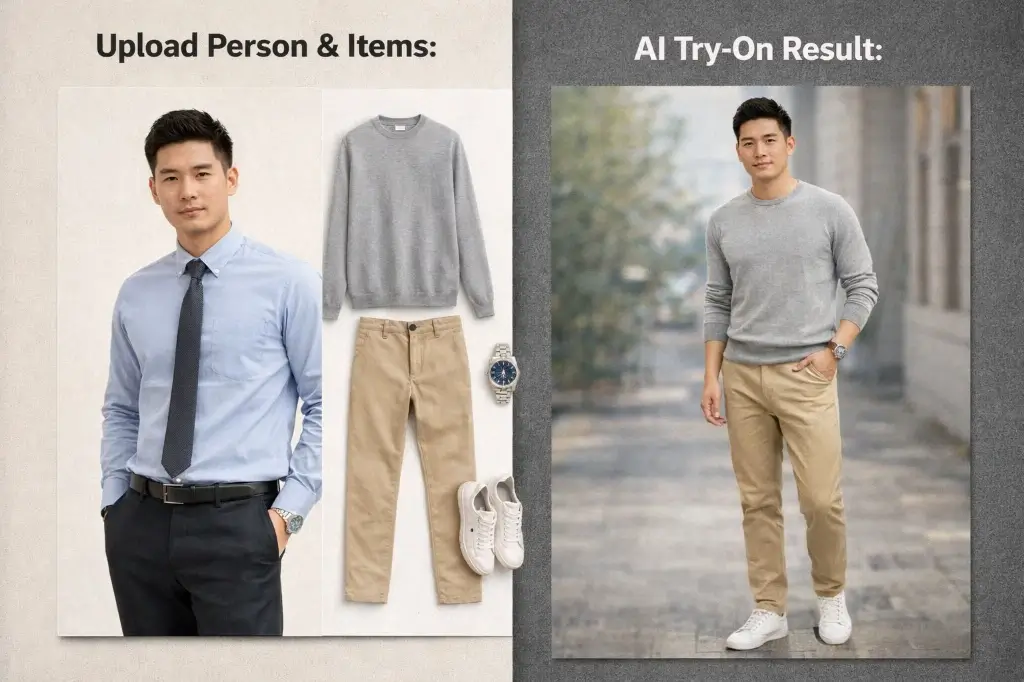
Explore different outfits in an existing photo with text or clothing references.
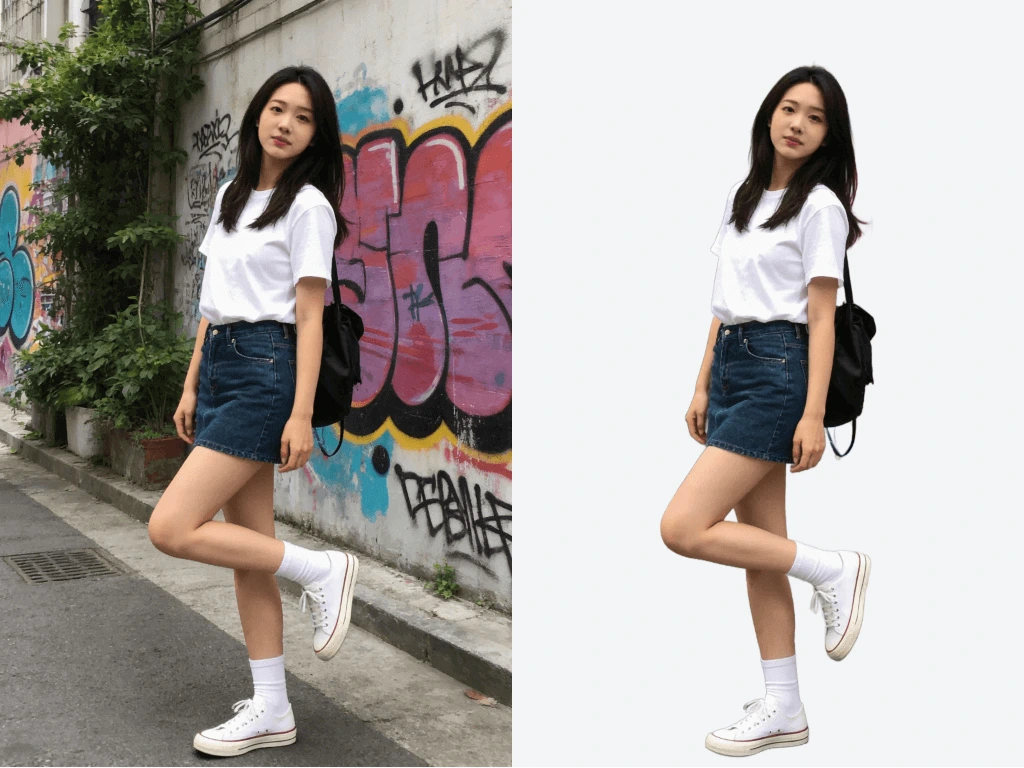
Remove a background for a cleaner subject cutout and reusable image asset.
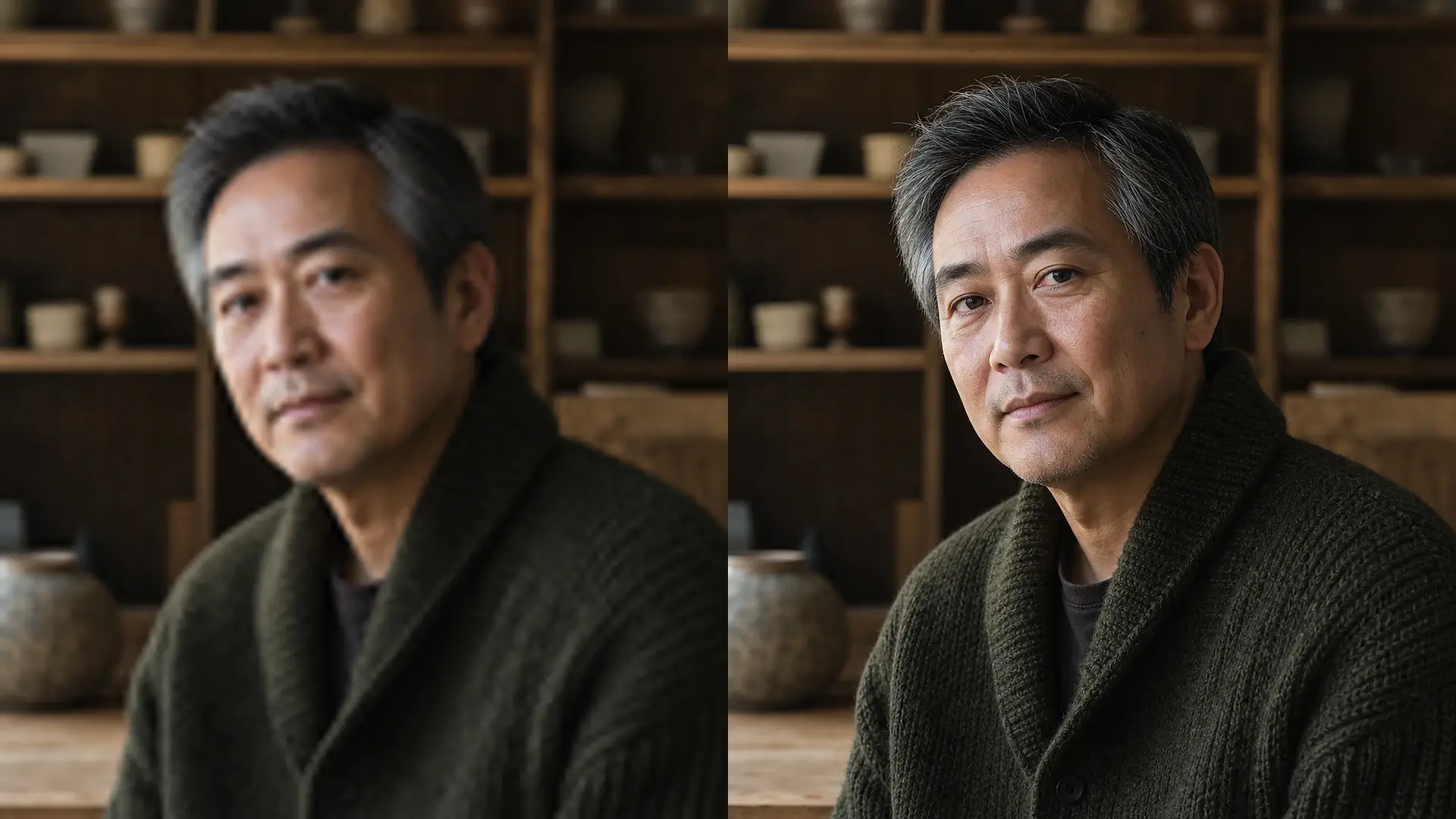
Increase image resolution and bring out clearer visual detail.
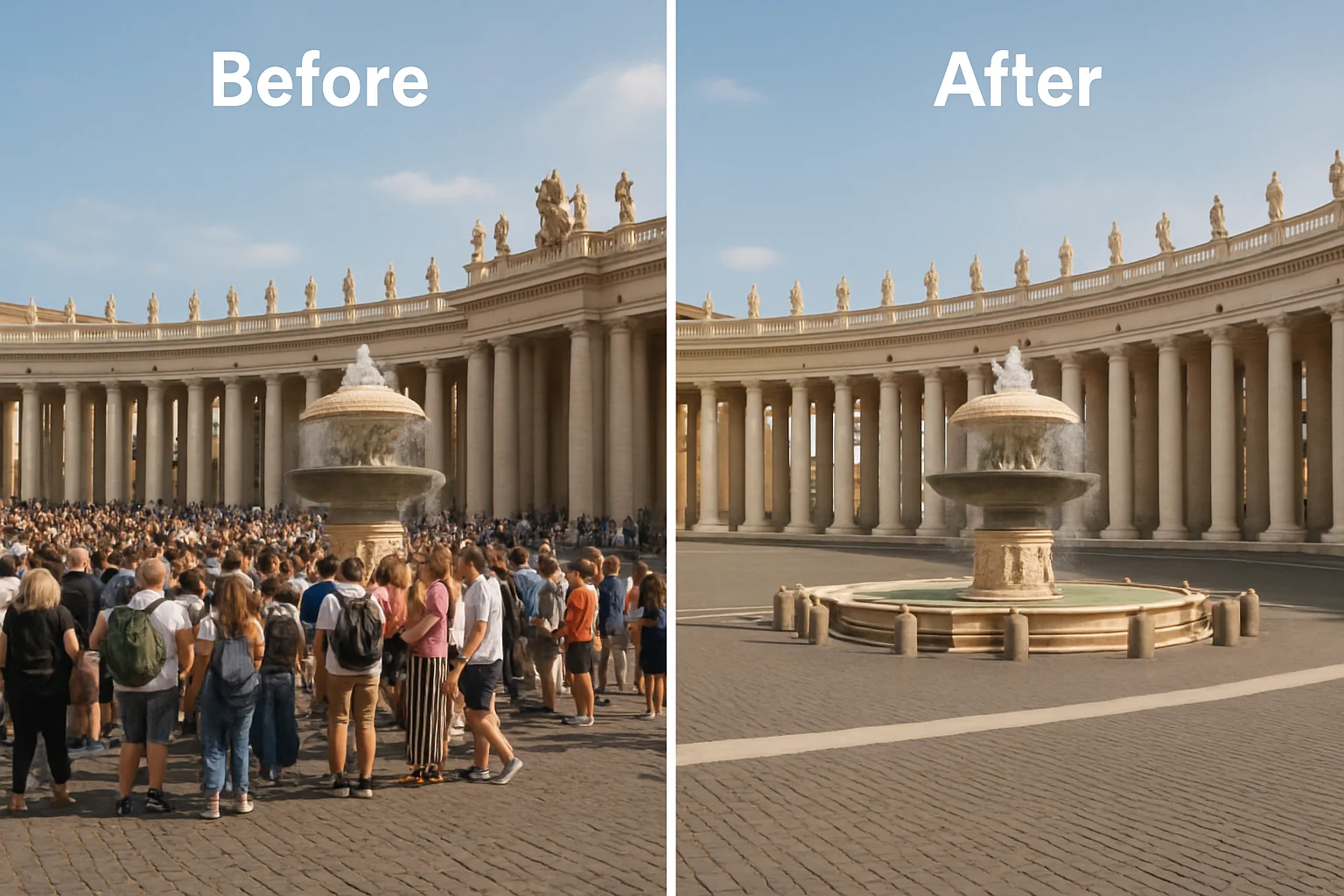
Remove distracting objects from a photo and rebuild the surrounding scene.
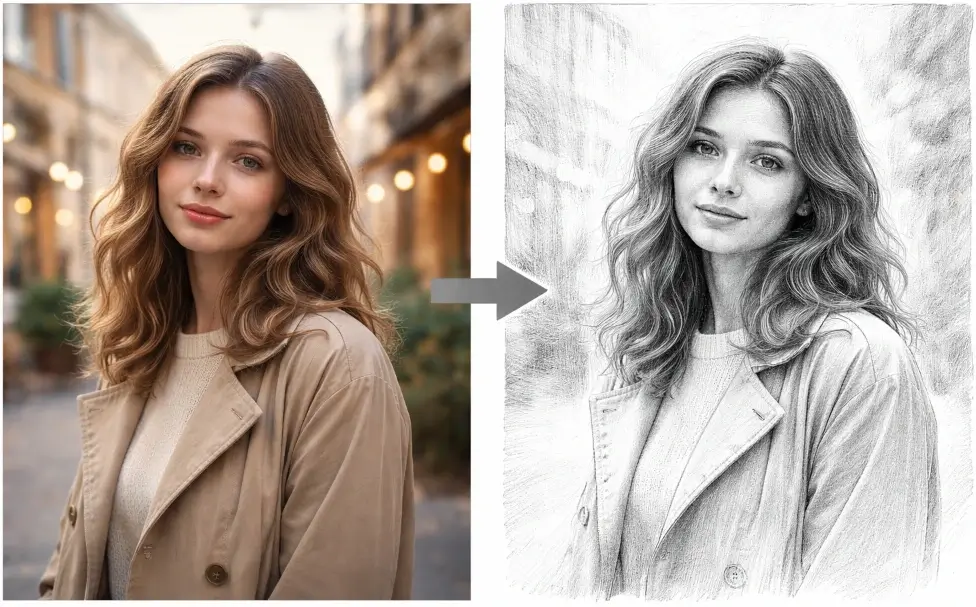
Turn a photo into a sketch-style visual for portraits and creative artwork.
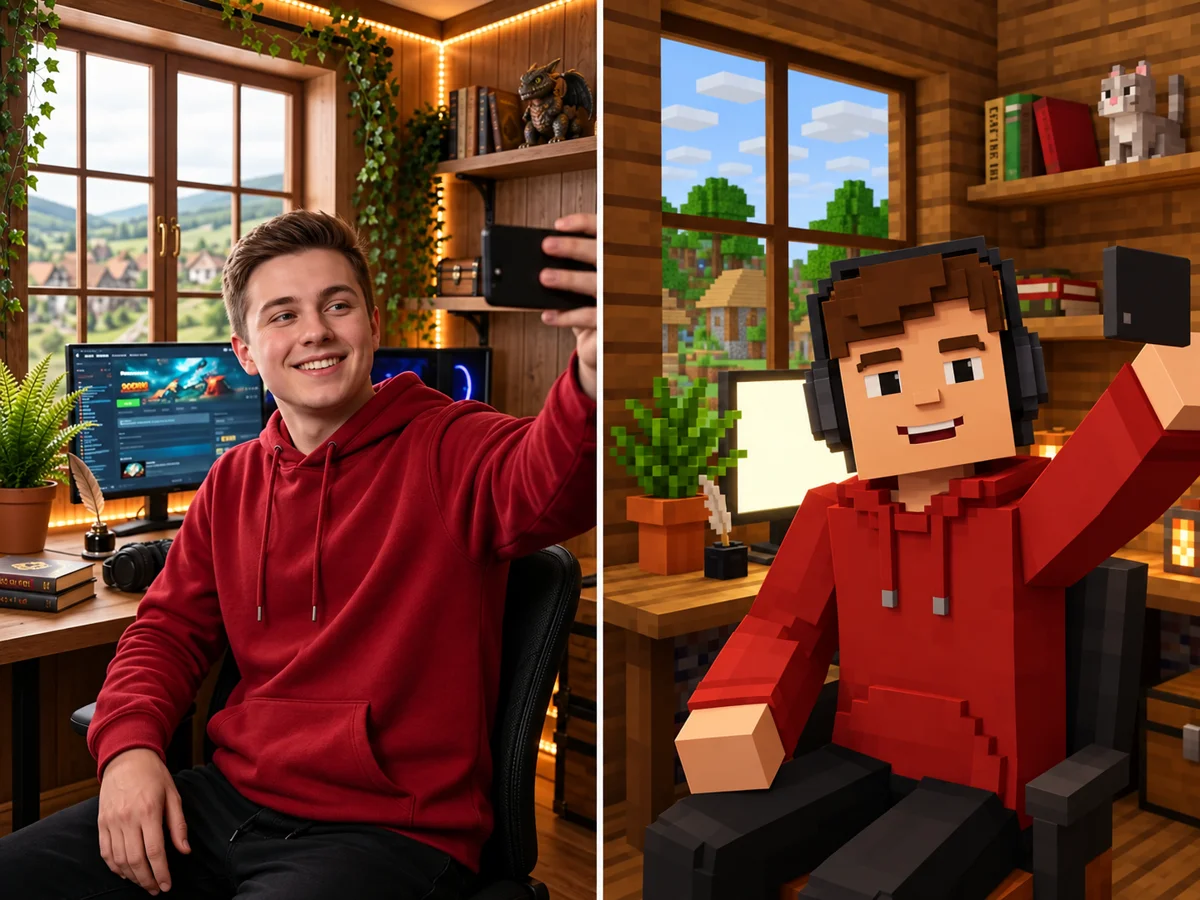
Create a Minecraft-style skin from an image or visual idea.
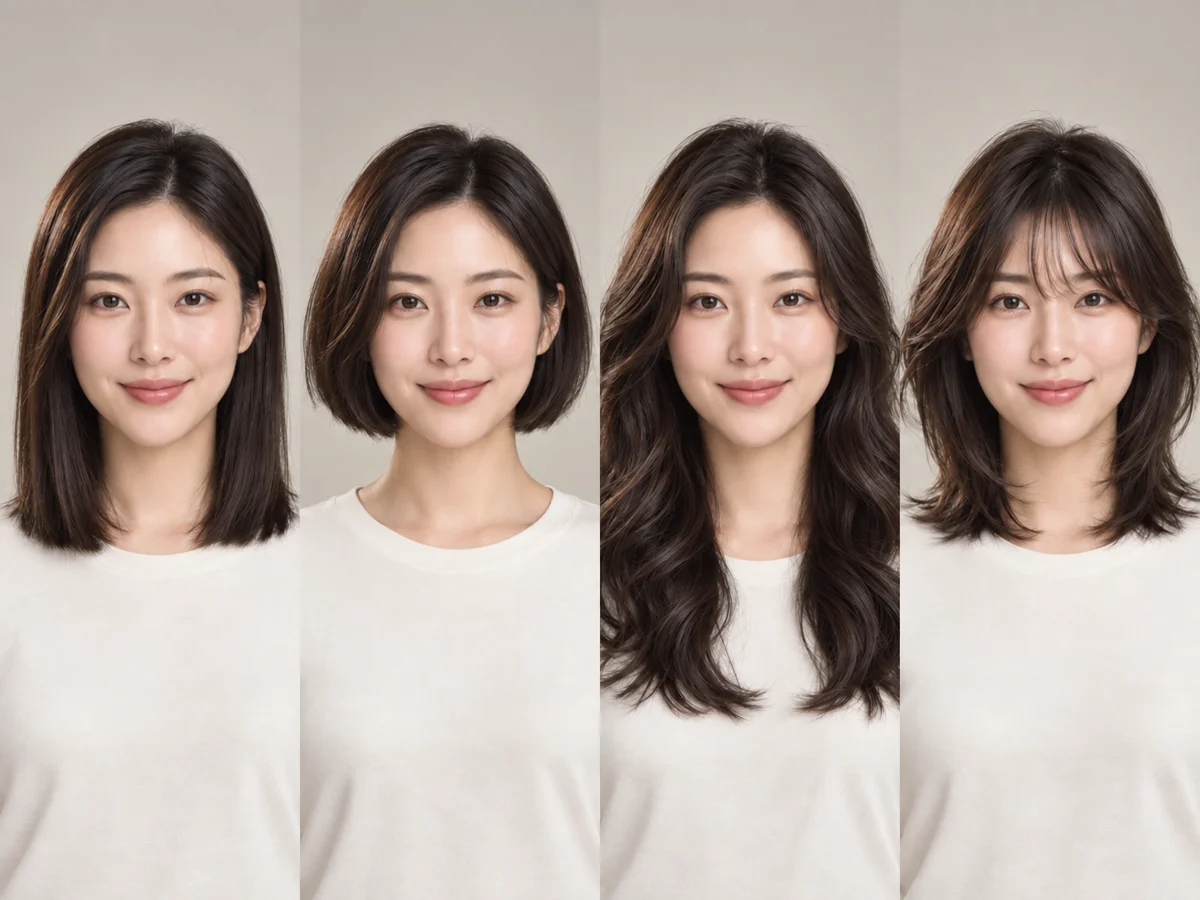
Explore hairstyle ideas and visual references for a portrait.
Choose from multiple AI image models in PixMira for image generation and editing. Compare the available inputs, output settings, and credit cost in the workspace before you generate.
 IMAGE MODEL
Use GPT Image 2.5 in PixMira for image generation and editing workflows.
 IMAGE MODEL
Use GPT Image 2 in PixMira for prompt-based image generation and image editing.
 IMAGE MODEL
Use Seedream 5.0 Pro in PixMira for creative image generation and visual exploration.
 IMAGE MODEL
Generate images in PixMira with Qwen Image 2512 for text-to-image workflows.
 IMAGE MODEL
Use HiDream O1 Image as another generation and editing option in PixMira.
 IMAGE MODEL
Use Nano Banana 2 Lite in PixMira for fast drafts, prompt editing, and creative iteration.
From everyday photo edits to campaign-ready visuals, PixMira AI adapts to the way you create.
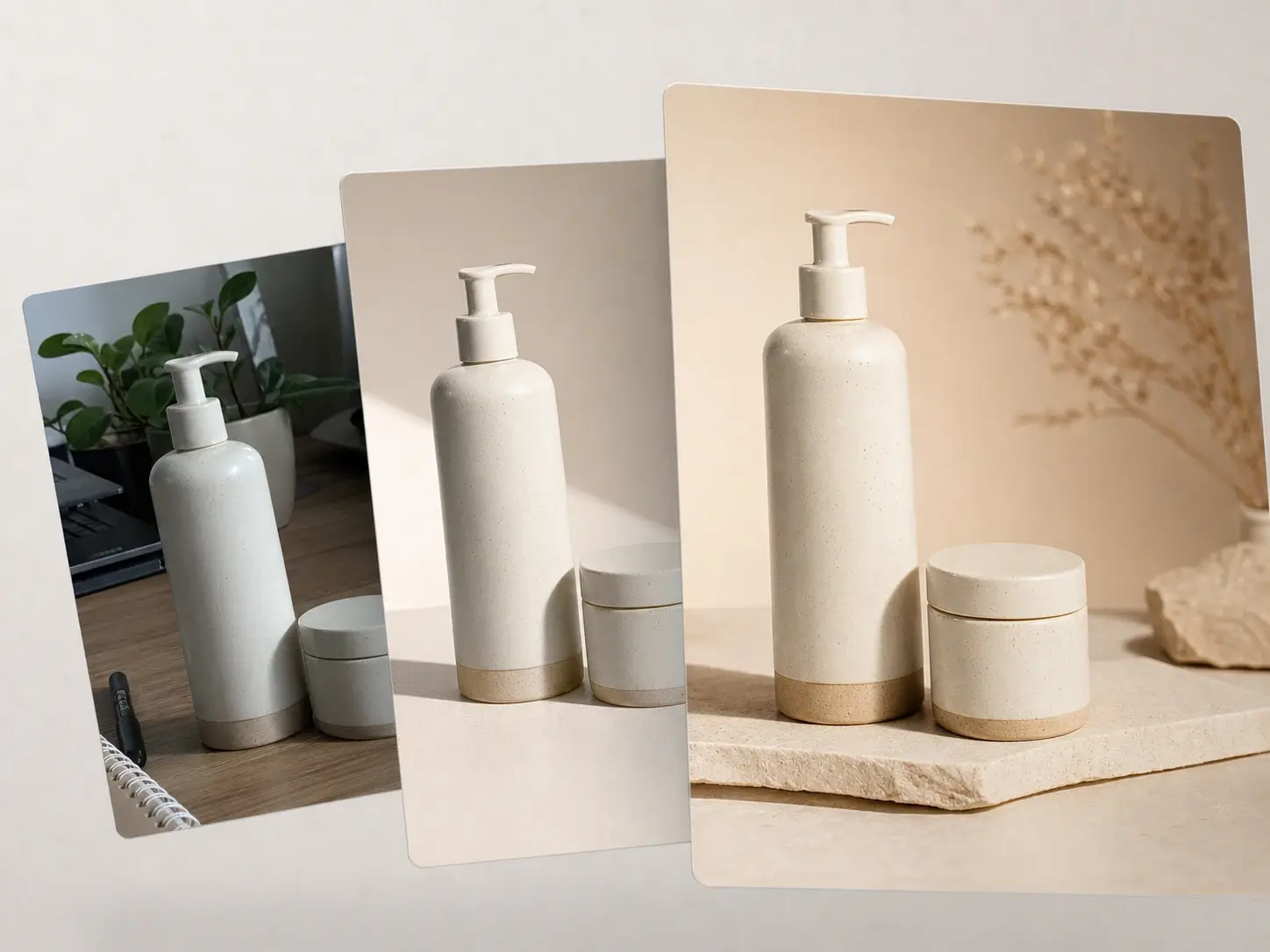
Edit product photos, clean backgrounds, create product scenes, and generate marketing-ready visual concepts with PixMira AI.
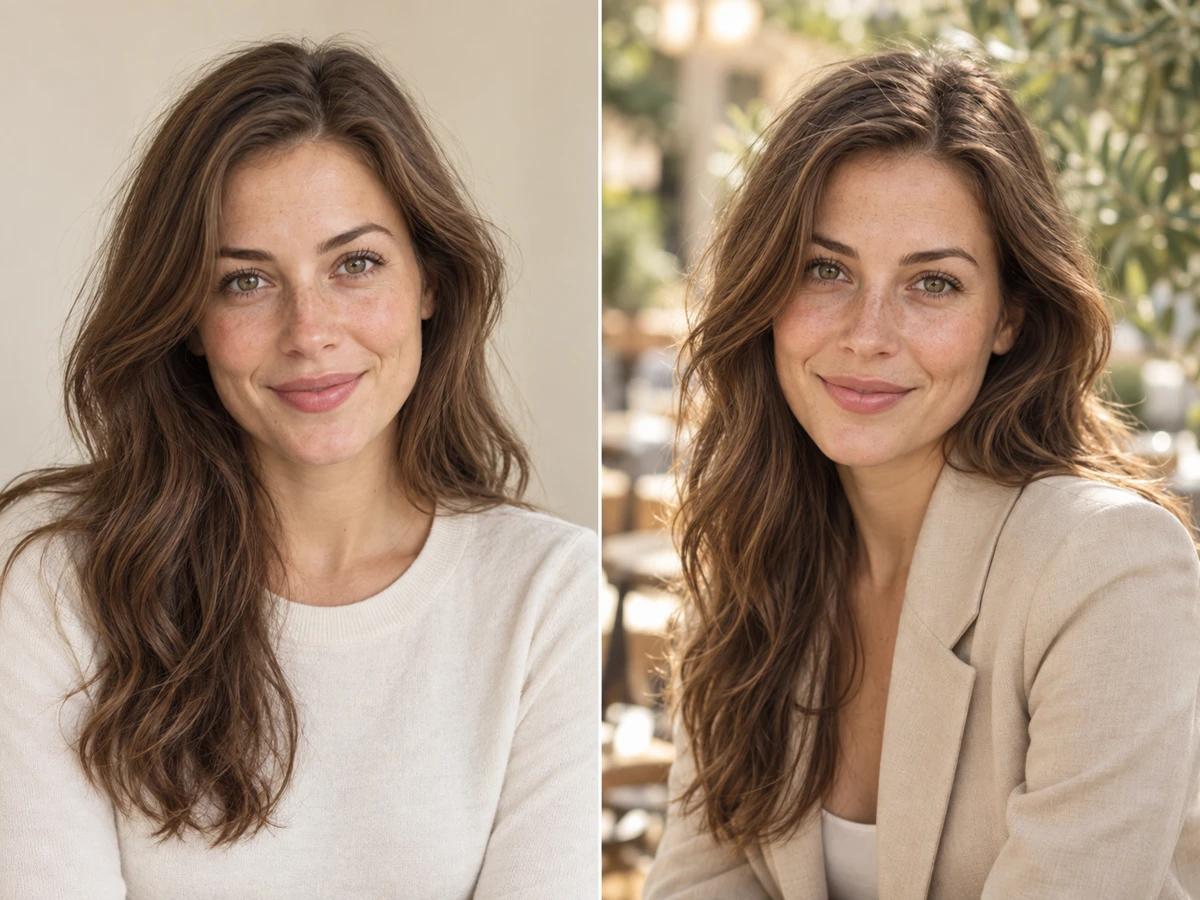
Use AI photo editing for portraits, profile images, social visuals, and creative transformations.
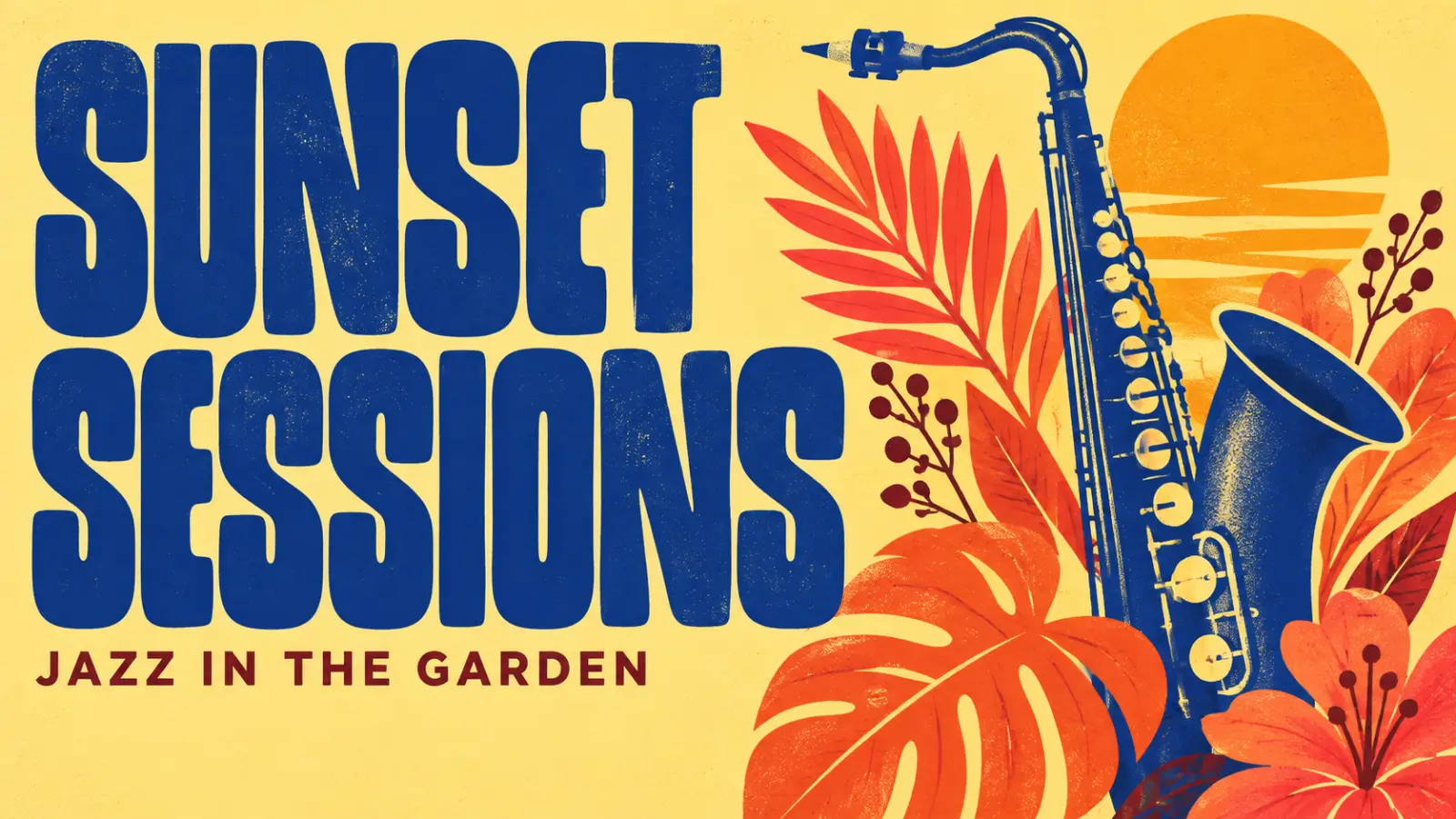
Use the PixMira AI Image Generator for posters, campaign concepts, ads, thumbnails, and promotional imagery.
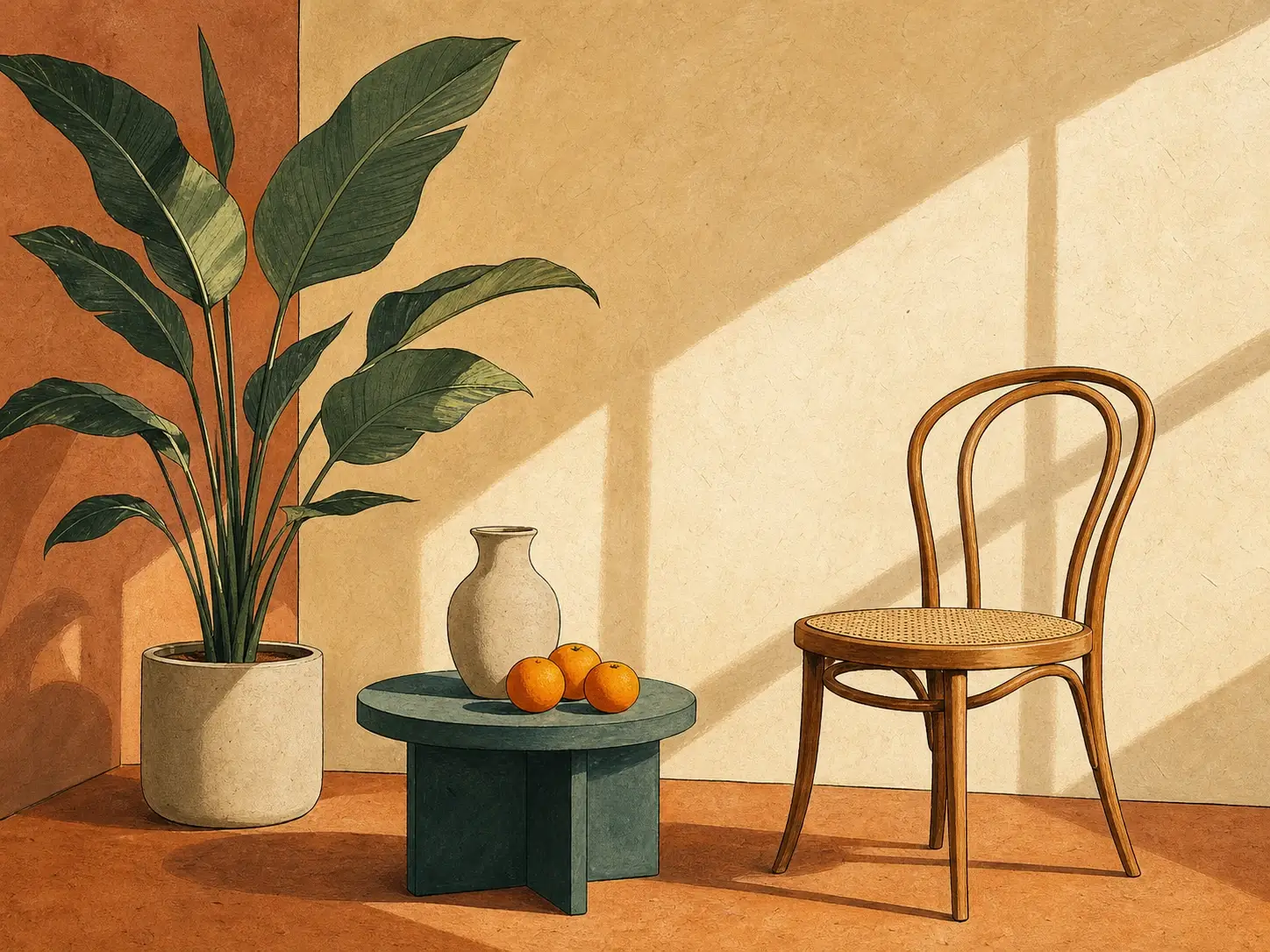
Explore text-to-image generation, visual styles, illustrations, concept art, and creative transformations in PixMira.
Browse ready-made prompts when you need an idea, or explore visual styles when you already know the look you want.
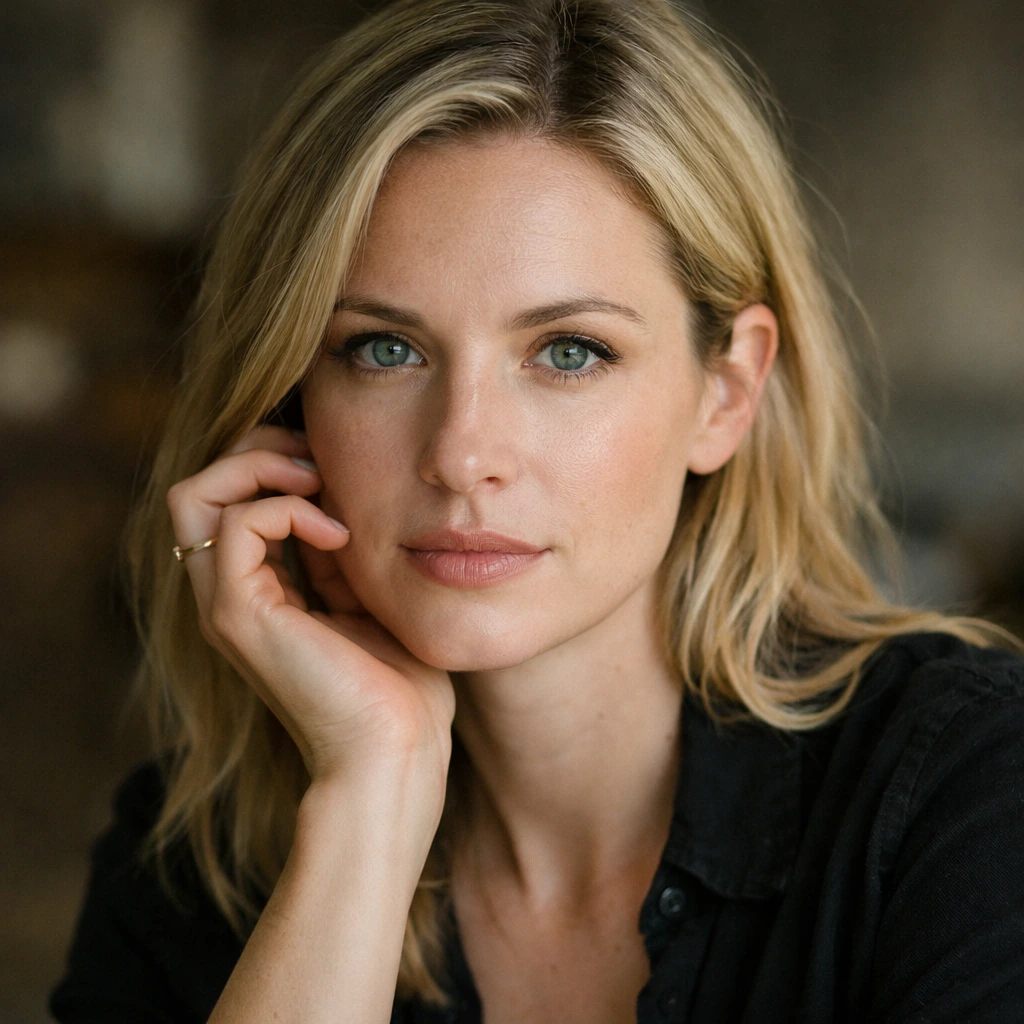
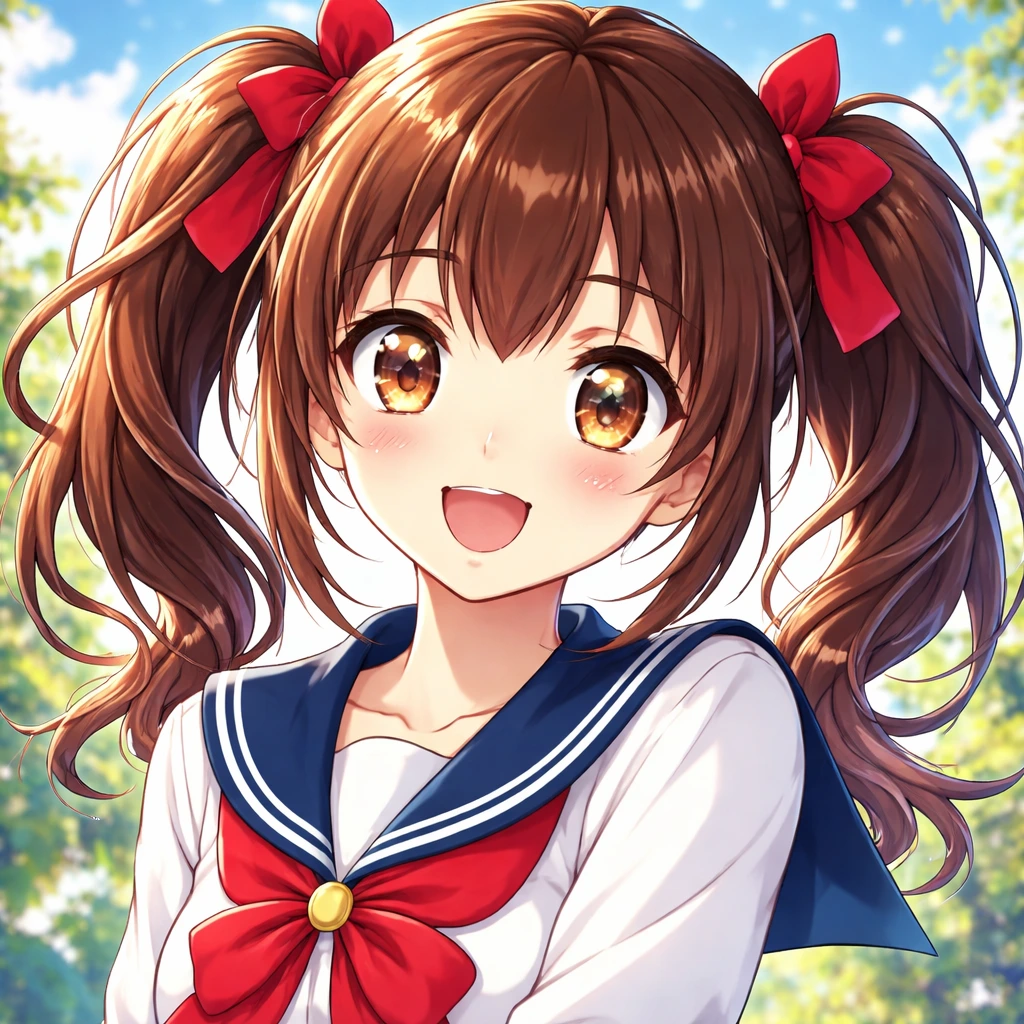
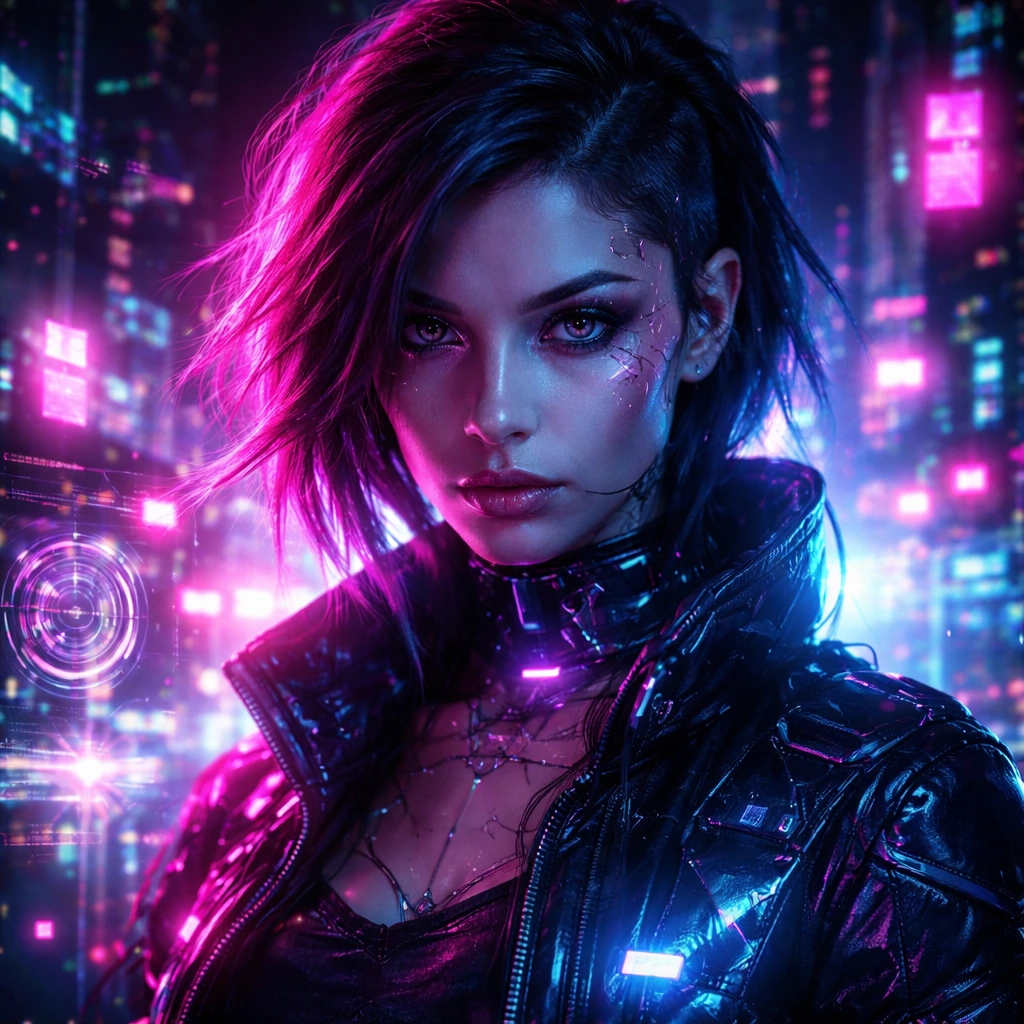
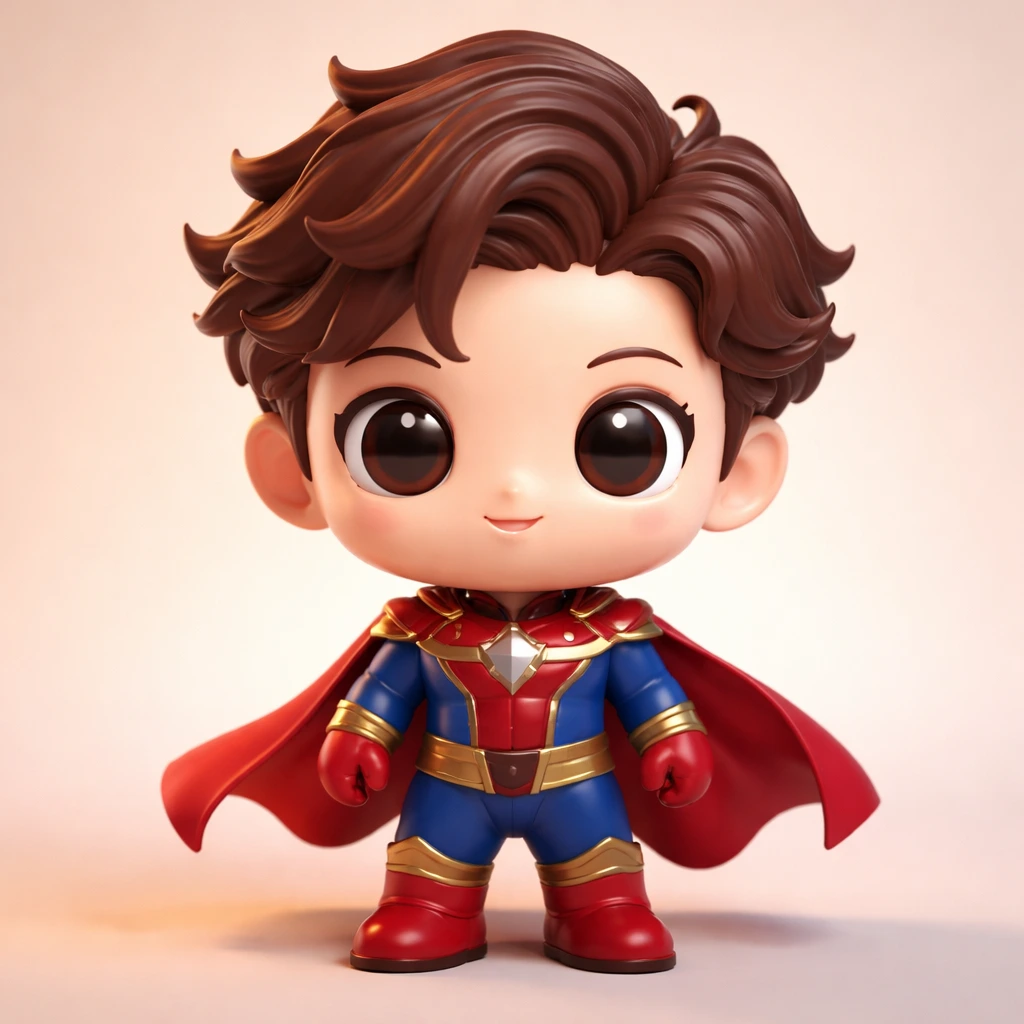
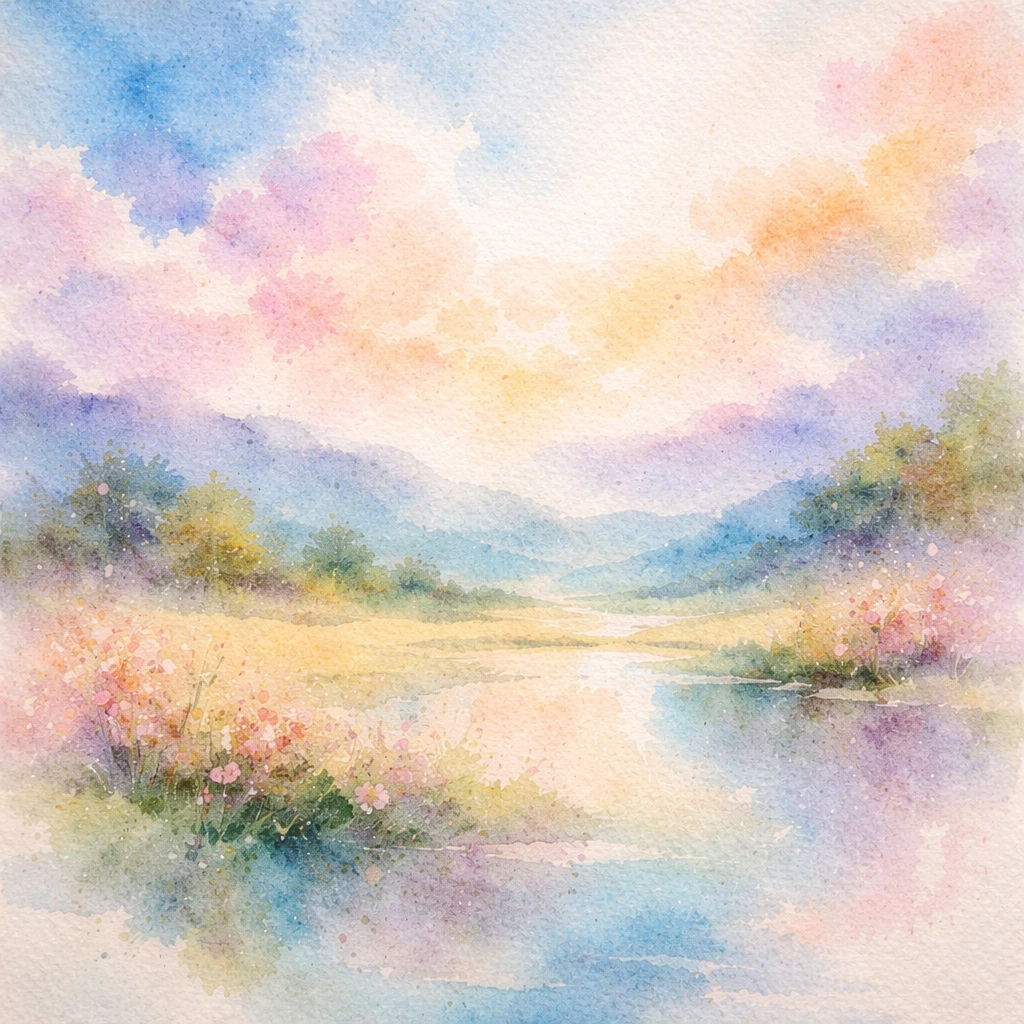
A simple PixMira workflow keeps editing and image generation easy to control from your first input to the final result.
Use the PixMira AI Image Generator from a prompt, or upload a photo for AI image editing.
Write a natural-language prompt for the scene, edit, composition, style, or visual change you want.
Select a PixMira AI image model, aspect ratio, resolution, and other available controls for the task.
Compare the result, revise your prompt, download the image, or continue with another PixMira image tool.
Move from a quick photo edit to a new image, a different model, or a focused AI tool without rebuilding your workflow from scratch.
Everything you need to choose the right PixMira workflow and start creating with confidence.
Edit an existing photo or create a new image from text. The PixMira workspace is ready when you are.
Start Creating with PixMira